
Explore in 2D or 3D
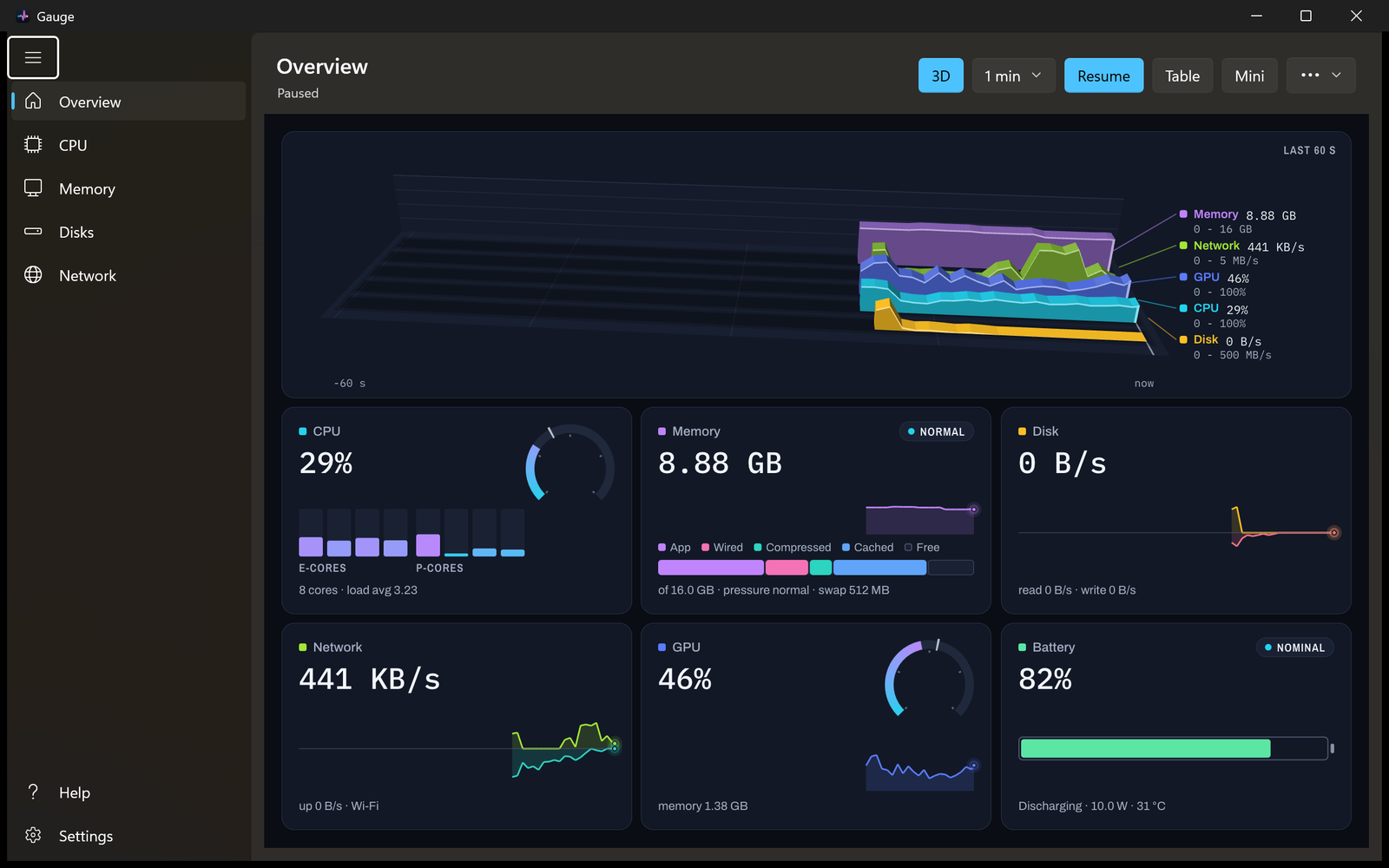
See CPU cores as a city, memory as rings, and Overview, disk and network history as waves. Drag to turn a 3D chart, or use the table for accessible readings.
 GaugeSystem Monitor
Live system activity
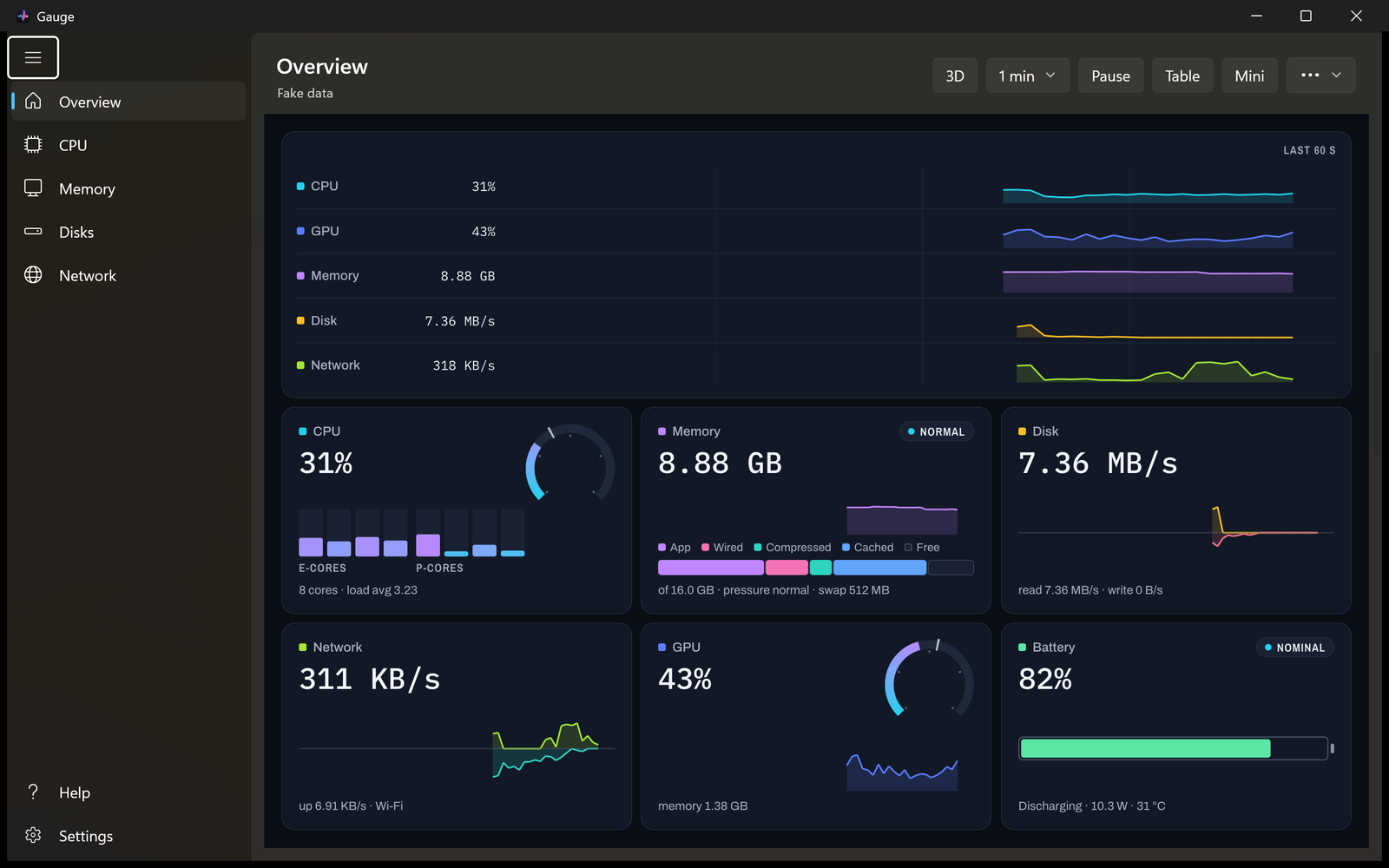
Follow CPU load, memory use, disk activity and network traffic. See the details in native Windows scenes, or keep the readings you need beside the clock.
Free · Windows 10 and 11 · x64 and ARM64
Follow the activity
Start with Overview, then open a tile for a closer look.
See CPU cores as a city, memory as rings, and Overview, disk and network history as waves. Drag to turn a 3D chart, or use the table for accessible readings.
Choose notification-area values, mini graphs or both in Settings. Open a compact always-on-top Mini window, adjust its opacity, or start Gauge quietly when you sign in.
Enable local history to review spans from one minute to thirty days. Export the visible scene’s readings as CSV or JSON, or save a chart image. History starts when Gauge records it; it cannot reconstruct earlier activity.
On your computer
Gauge does not connect to the network, collect analytics or require an account. Settings and optional history stay in your Windows profile.
Read the privacy policy ↗GPU readings depend on your device and driver. Unavailable readings stay marked as unavailable. CPU temperature, fan speed and motherboard sensors are not included.
A dark WinUI interface, keyboard shortcuts, an offline Help page, High Contrast support and a table alternative to the charts. Native ARM64 and x64 builds include the required runtimes.
Windows preview · 0.1.0
Windows 10 version 2004 or later, or Windows 11. Free, with runtime files included.
Portable preview · ZIP
Download x64 ↓Portable preview · ZIP
Download ARM64 ↓Download the ZIP for your PC, right-click it and choose Extract All. Open the extracted folder and run Gauge.exe. Keep all the files together. These preview executables are unsigned; Windows may show a publisher warning.
The Microsoft Store edition has been submitted for certification and will be available after approval. The macOS edition is in development.
SHA-256 download checksums ↗Questions or feedback?