
Write
Three levels of headings, bold, italic, underline, strikethrough and inline code. Bullet, numbered and task lists, nested with a tab, plus quotes and dividers. Shortcuts for headings (⌘1, ⌘2, ⌘3), formatting and links (⌘K).
 ParagraphMarkdown Notes
Headings, lists, tables, charts, math and code in one note, the same on every device through iCloud.
Get Paragraph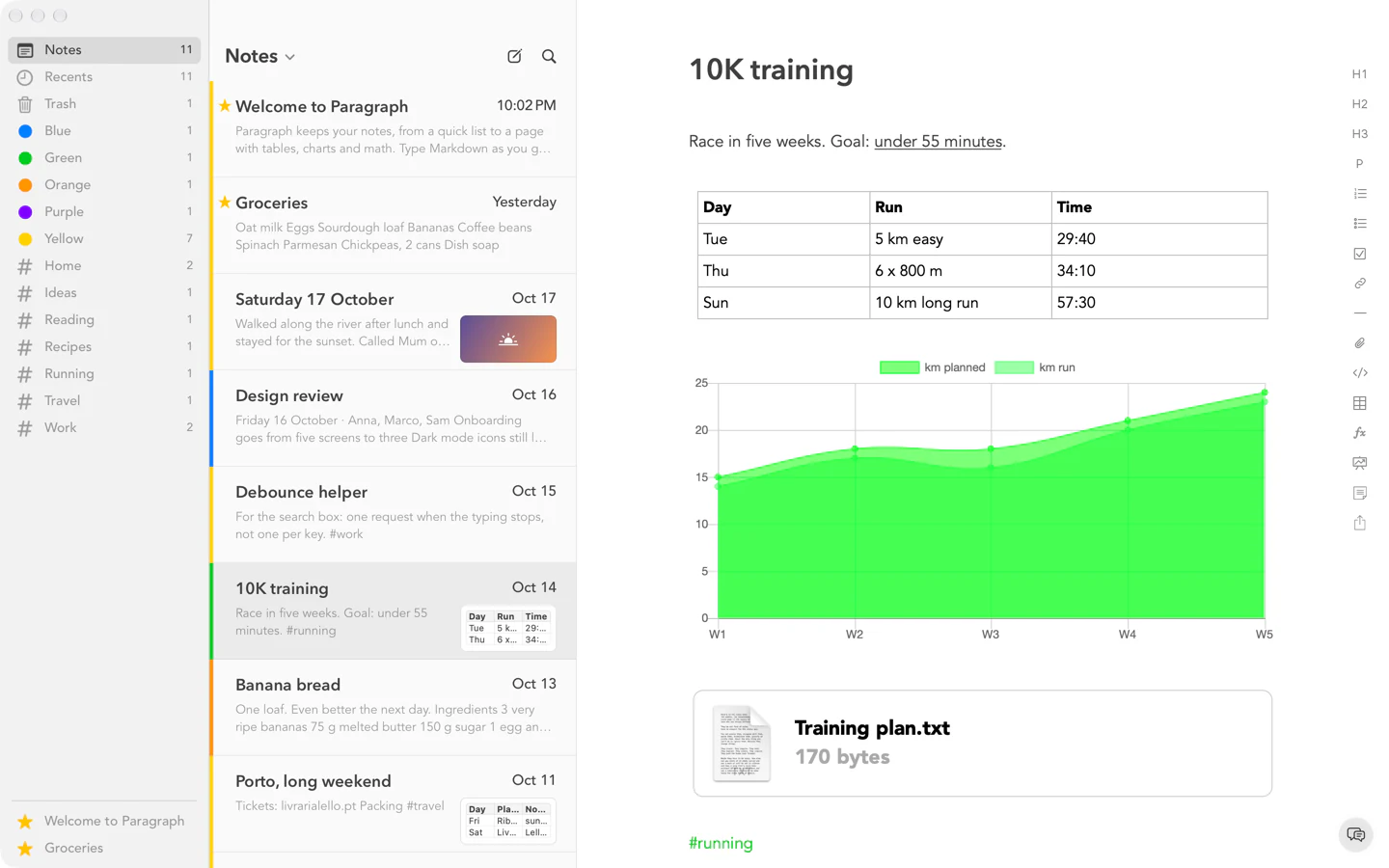
Why Paragraph
Paragraph is a notes app for people who write more than a line. Type Markdown and it becomes styled text as you go: headings, lists, tasks, quotes and links. Add tables, charts, formulas, code and images where you need them.
Three levels of headings, bold, italic, underline, strikethrough and inline code. Bullet, numbered and task lists, nested with a tab, plus quotes and dividers. Shortcuts for headings (⌘1, ⌘2, ⌘3), formatting and links (⌘K).
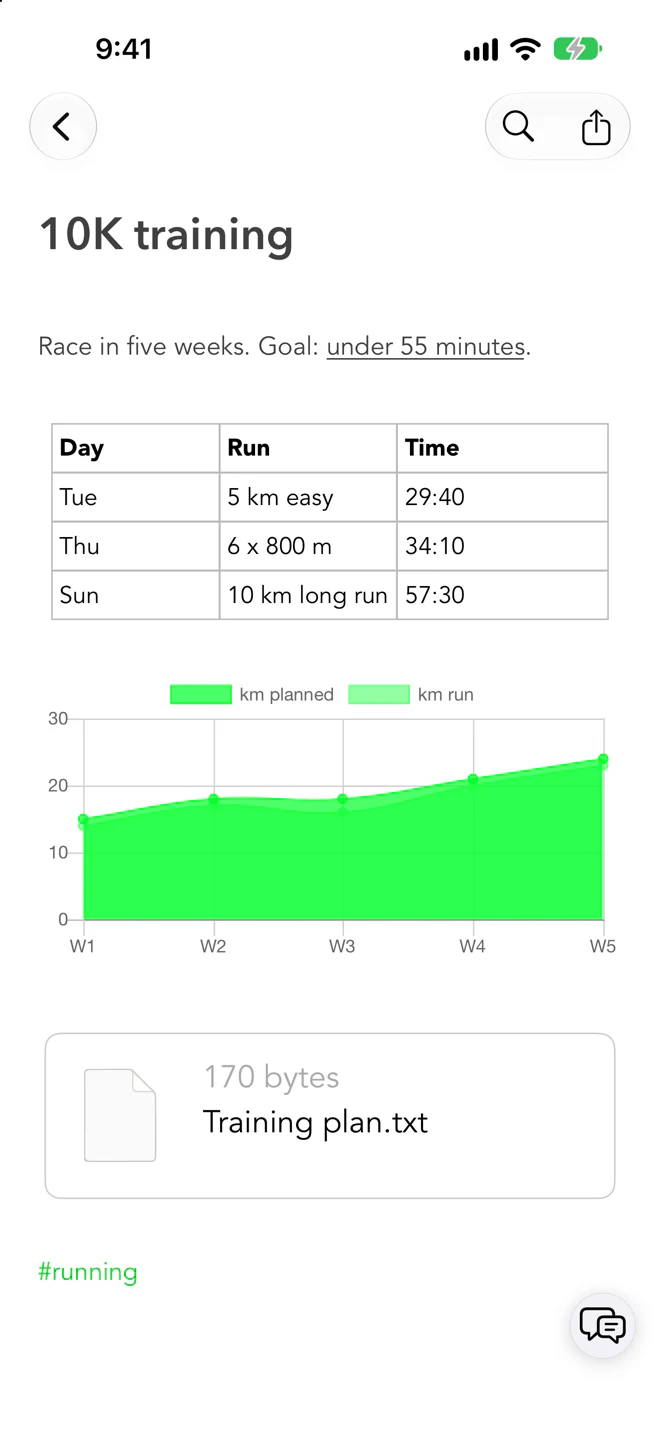
Tables you edit with a click on a cell, or paste in as Markdown. A few lines of CSV become a bar or line chart. TeX formulas drawn in the note, code blocks that keep their spacing and colour the syntax, images and files that travel with the note, and notes inside notes.
Type #work anywhere and the tag appears in the sidebar. Add colours and stars, search across your notes or find in a note with ⌘F, and sort by date, title or stars. Deleted notes wait in the Trash.
Share a note as Markdown, PDF, text, HTML or RTF, or invite people with Share with People through iCloud. iCloud sync keeps every Mac, iPhone and iPad signed in to your Apple Account up to date, with Sync Now when you want it. If a note changes on two devices at once, both versions are kept.
Get Paragraph
Your notes are the same on every Mac, iPhone and iPad signed in to your Apple Account.
An Android version is on the way.